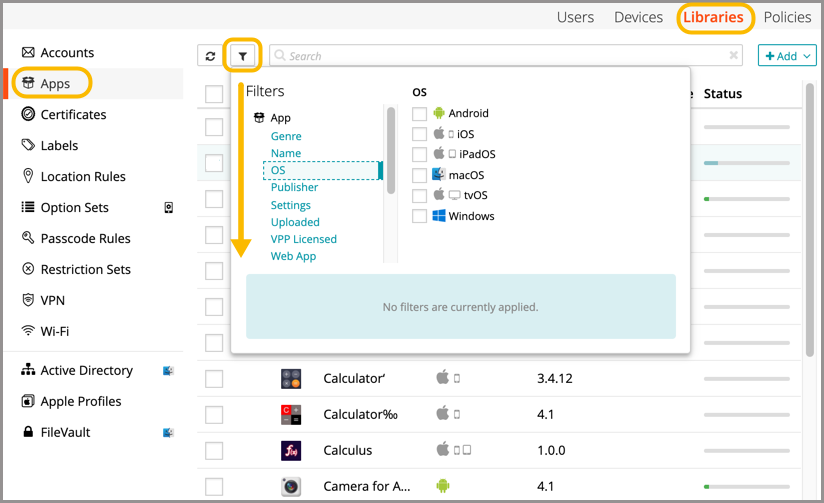
Find and filter users
Related Video: Filtering and Sorting
- Select the Users tab in top navigation.
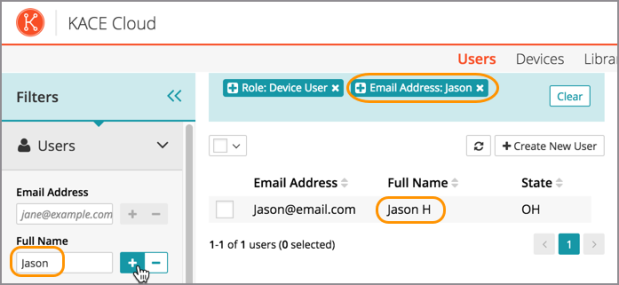
- The Filters function is located in the left panel. Click Users to open the section.
- Enter details into one or more filter fields:
- To filter using inclusive attributes, click the plus icon next to the field.
To filter using exclusive attributes, click the minus icon next to the field.
- The list of active filter criteria will build at the top of the page.
Cross-filtering: User > Devices
A device admin can filter based on a specific user, then filter based on the user's associated devices.
- From the Users tab, locate a user by using one or more filters.
- Using the Devices filtering panel at the left, a device admin can further filter within the list of devices.
Clear filters
To clear filters, click the x on an individual item in the list of active filters. Click Clear to clear all active filters.
User and device filters
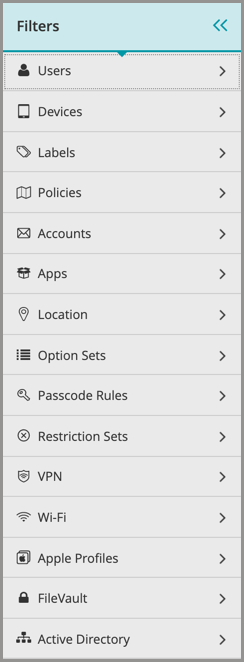
Top-level filters for users and devices lists include:
App library filters
Filters for the app library include: